
Independent GoG ePayslip Help Centre
GoG ePay Services 2026 – Register, Login & Check ePayslip on Payslip Portal
Clear, independent guidance for registration, login, ePayslip access, password recovery and salary calculations on gogepayservices portal — without pretending to be the official government portal.
✓ Easy-To-Follow Guides ✓ Mobile-Friendly Help ✓ Official Links Clearly Marked
What Do You Need Help With?
- Register For An Account
- Log In To ePay Services
- Check Or Download An ePayslip
- Reset A Forgotten Password
Independent Informational Guide: This website is not affiliated with CAGD or the Government of Ghana. Use the official portal for account services.
Quick Access
Choose The Guide You Need
Each page has clear solution of your problem, so you can find the right instructions about your GoG ePay Services Portal.
📝
Registration Guide
Check requirements, identity details and the account registration process.
🔐
Login Guide
Understand the sign-in fields and solve common login problems.
📄
Check ePayslip
View salary details and learn how to download or print your payslip.
🔄
Reset Password
Recover account access when you forget your password or cannot sign in.
Troubleshooting
Start With The Problem You See
GoG ePay Services Portal issues often have different causes. Check the exact message, confirm you are on the official domain, and never share an OTP, password, staff number or Ghana Card details with an unofficial website.
- OTP not received: Confirm the registered phone number on portal and allow for network delays.
- Incorrect password: Avoid repeated guesses; use the official recovery option.
- Page not loading: Check the official URL, connection and browser before retrying.
Before Contacting Support
- Record the exact error message.
- Note the date, time, device and browser.
- Do not post personal payroll information publicly.
- Use only contact details published by CAGD.
Verified On The Official Login Page
Official Contact And Support
The phone numbers below are displayed on the official GoG ePay Services login page. They are operated by the official service, not by this independent guide.
Last checked: 28 July 2026 • Never share your password or OTP over the phone.
Useful Tool
Estimate Net Salary And PAYE Deductions
Use the Ghana salary and tax calculator for an estimate, then confirm final figures with your payslip or an appropriate payroll professional. Your salary information is not required on this homepage.
What Is GoG ePay Services Portal?
GoG ePay Services is the newer CAGD employee self-service portal for eligible Ghana public-sector employees. It replaces the older GoGPayslip system and provides online access to payslip and payroll information.
📄
Payslip Access
Check monthly ePayslips and download salary slips.
🔐
Account Security
Use identity and OTP verification when required by the official portal.
⚙️
Account Management
Review and manage available employee account information.
Independent guide: This website explains the portal but does not operate it or collect employee login credentials.
Who Can Use The CAGD ePay Services Portal?
The portal is intended for authorized public-sector employees whose payroll is managed through CAGD.
🎓
Teachers
Eligible teachers paid through the government payroll system.
🏥
Nurses
Eligible public healthcare employees using CAGD payroll.
🛡️
Police Officers
Authorized police personnel with supported payroll records.
🏛️
Public Employees
Other eligible government and public-sector workers.
Access depends on the employee record held by CAGD. Confirm eligibility through your employer or the official portal.
Old GoGPayslip Vs New GoG ePay Services
The newer portal adds updated identity-verification and account-protection steps to the employee self-service experience.
| Comparison | Old GoGPayslip | New GoG ePay Services |
|---|---|---|
| Identity Check | Basic account details | Ghana Card verification |
| Login Protection | Basic login process | OTP verification |
| Account Setup | Older activation process | Updated employee verification |
| Portal Experience | Legacy interface | Updated self-service portal |
| Recommended Use | Replaced system | Current official portal |
Portal features can change. Confirm current requirements through the official CAGD portal.
Common GoG ePay Services Problems & Fixes
Choose the problem that matches what you see, then open the detailed troubleshooting guide when you need more help.
🔑
Unable To Log In
Recheck the employee number and password, confirm Caps Lock is off, then use account recovery if needed.
📱
OTP Not Received
Confirm the registered mobile number, check the network signal and wait briefly before requesting another code.
🔄
Forgotten Password
Use the recovery option by clicking Forget Password and complete the identity-verification steps shown by the official portal.
⬇️
Payslip Download Issue
Allow downloads or pop-ups, retry in an updated browser and confirm the selected month is available.
Information Quality
How This Independent Guide Helps You
✓
Clear Independence
Official links are labeled clearly, and this site does not claim government affiliation.
🎯
Focused Instructions
Each guide answers one specific task without repeating full tutorials across pages.
🛡️
Privacy-Minded Help
Readers are reminded to protect passwords, OTPs, salary records and ID details.
🏛️
Official Source Links
Important actions direct you to the genuine CAGD ePay Services portal.
📱
Mobile-Friendly Guidance
Clear layouts and short steps help users follow instructions on phones and computers.
🔎
Regular Content Review
Dates and verification notes show when important portal information was last checked.
Latest Practical Guides
Explore practical explanations about Ghana payroll, salary and GoG ePay Services.
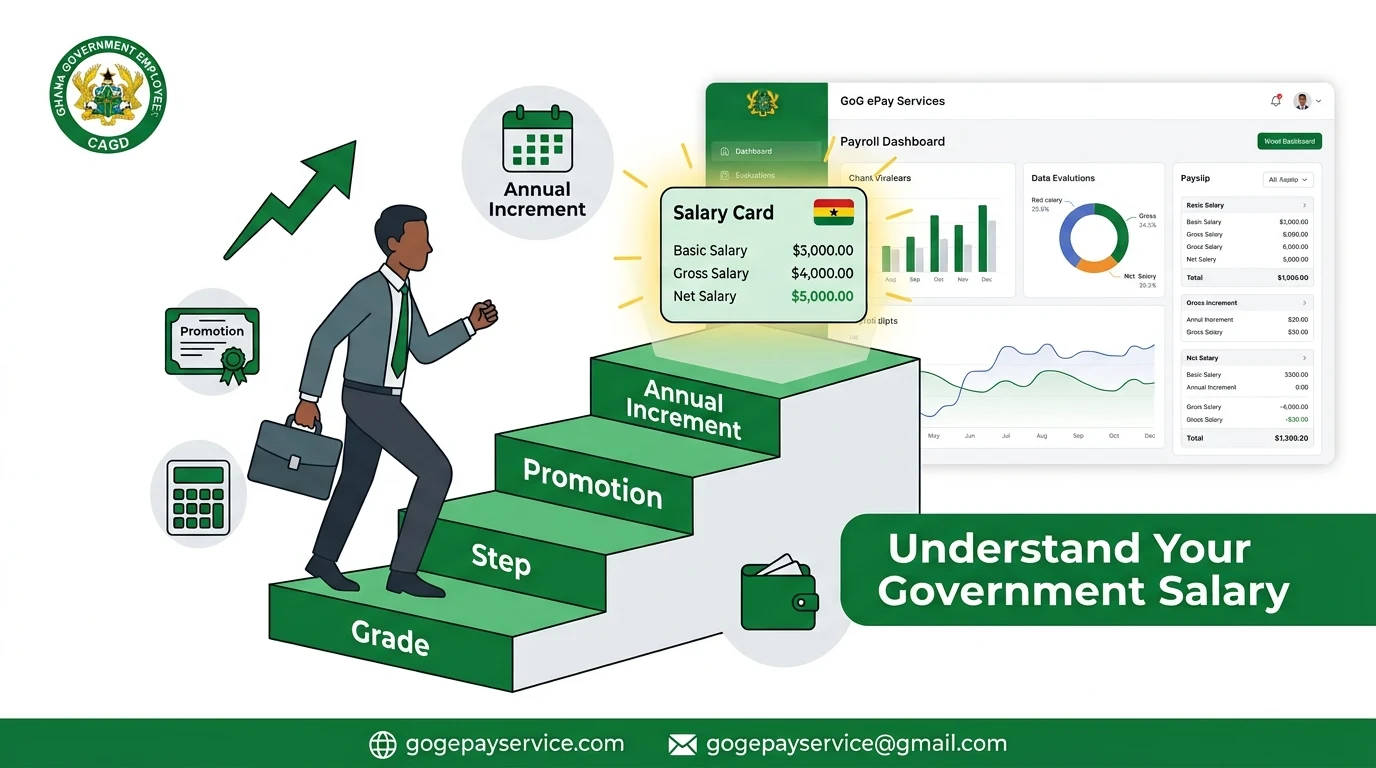
Salary Guide
Ghana Government Salary Structure: How Your Salary Is Calculated
Understand the main parts that can affect a Ghana public-sector employee’s salary.
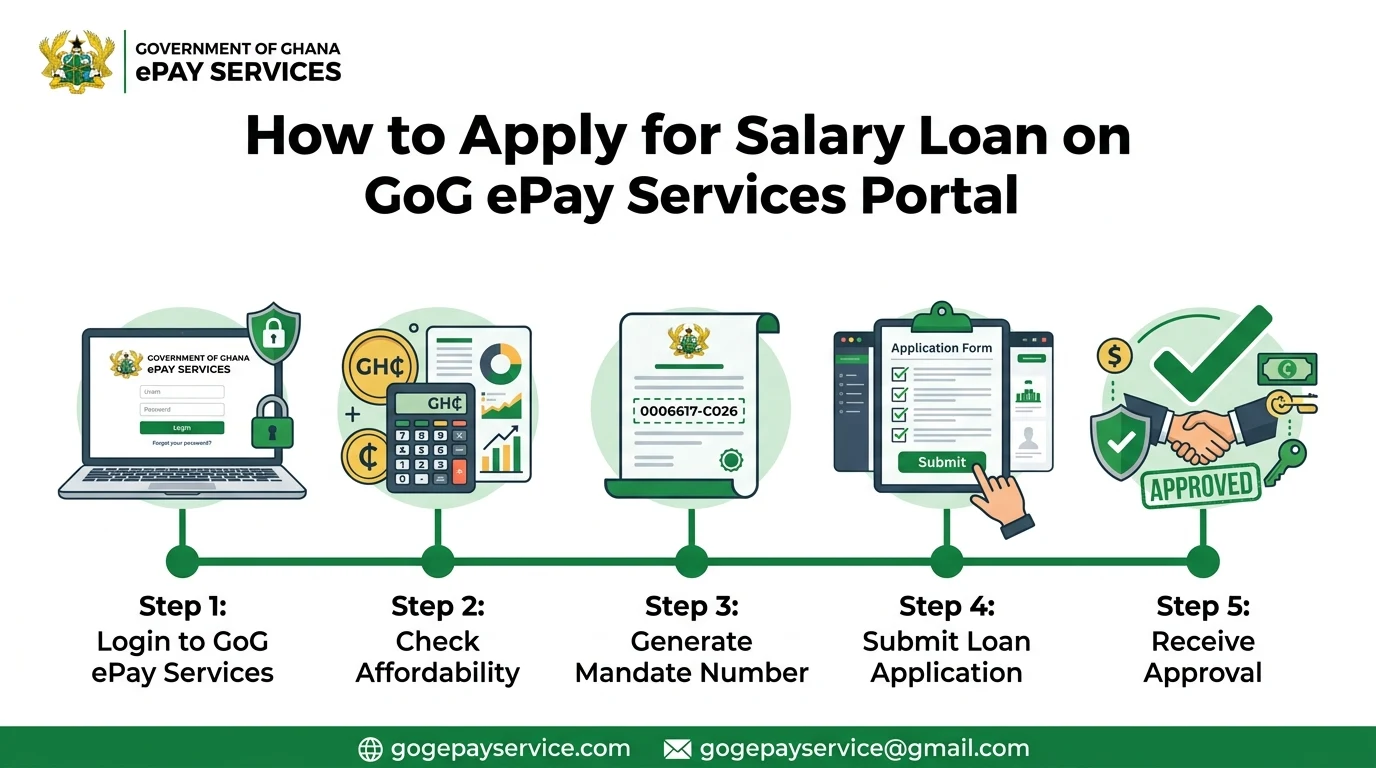
Loan Guide
How To Apply For A Salary Loan In Ghana: Types And Eligibility
Review common loan types, eligibility factors and questions to ask before applying.
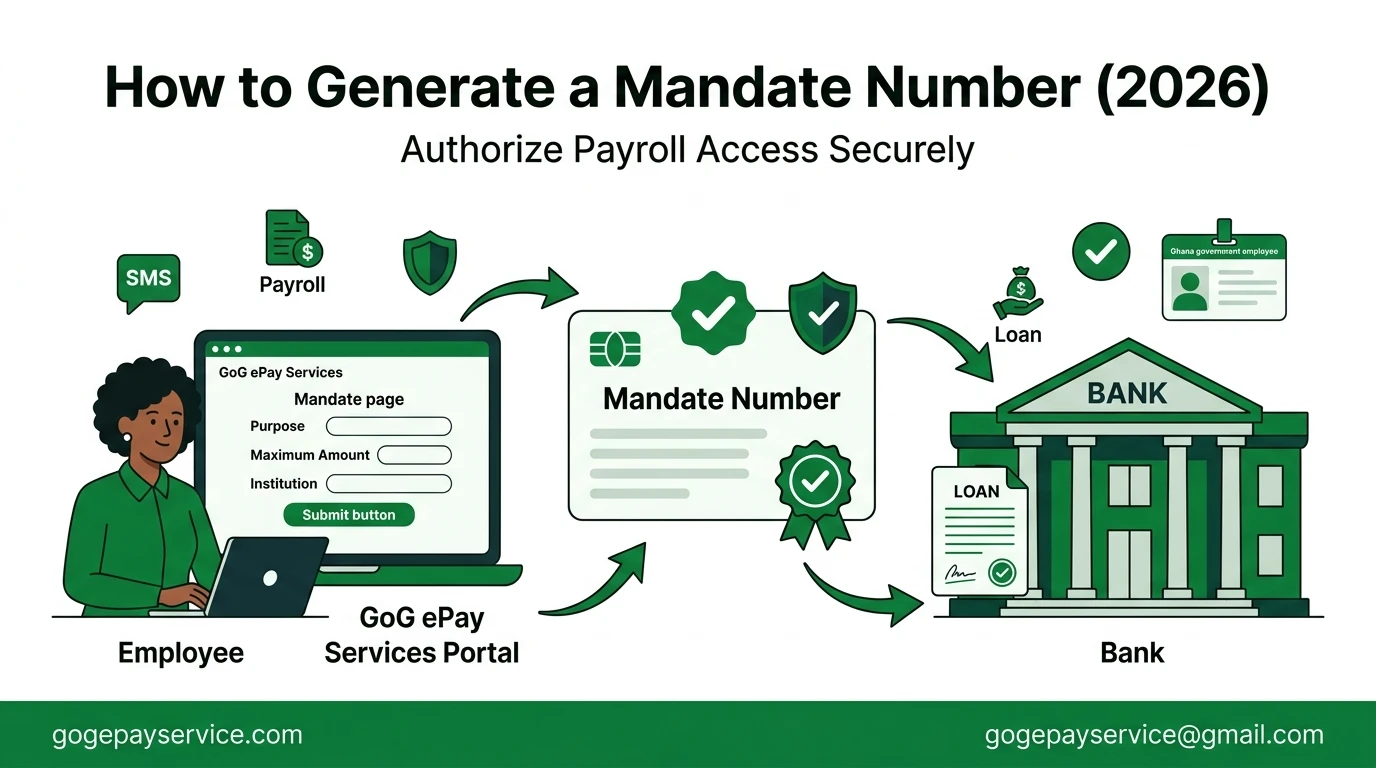
Portal Guide
How To Generate A Mandate Number On GoG ePay Services
Learn where mandate numbers are used and how to follow the portal process carefully.
Independent Publisher
Publisher Transparency
GoG ePay Services Guide is independently published. It is not affiliated with or operated by CAGD, the Government of Ghana or the official ePay Services portal.
Editorial Standard
Content Review
Guides are written and reviewed by Sammy Mensah using relevant official sources. Government, payroll and tax information can change, so important details should be confirmed with the responsible authority.
Frequently Asked Questions
Is this the official CAGD website?
No. This is an independent informational guide. Account actions should be completed only through the official CAGD ePay Services portal.
Can I access ePayslip on my mobile phone?
Yes, you can open the portal on your mobile phone and check your payslip anytime.
Where should I enter my staff number and password?
Enter credentials only on the official portal after checking the domain carefully. Never send passwords or OTP codes through comments, email or unofficial forms.
Are salary and tax calculator results official?
No. Calculator results are estimates based on the information entered and the methodology stated on the calculator page. Confirm payroll figures with official records.
Why is OTP not received?
It happens sometime due to network issues and system failure. Check your network and make sure your phone number is correct. Then try again after a few minutes.
How to download ePayslip?
Log in to the portal, click on “My Payslip”, select month and year, generate payslip and download easily.
Ready To Use The Official Service?
Check the address carefully before entering any personal or payroll information. The link below opens the official portal in a new tab.
External official website • This guide is not responsible for the content or availability of government services.